CSS is one of the most basic building blocks of modern web design. It creates the structure and style that surrounds your content and is capable of making your site a joy to use or a pain in the neck. Mastering CSS is one of the most important things a web designer can do, and has really become an essential criteria for being a successful designer.And CSS isn’t nearly as tricky as some people tend to believe. Below are fresh tips and techniques for creating and styling design elements with CSS. They’re a good place to start if you’re new to CSS but are valuable even if you’re a veteran designer. Not all the techniques are strictly CSS; some include integration with JavaScript or XHTML to extend the functionality of your site.
1. Layout and User Interface Techniques
CSS is now the primary language used to create page layouts on modern websites. There are almost limitless possibilities for creating page layouts and user interfaces with CSS, but below are some of the more interesting techniques.
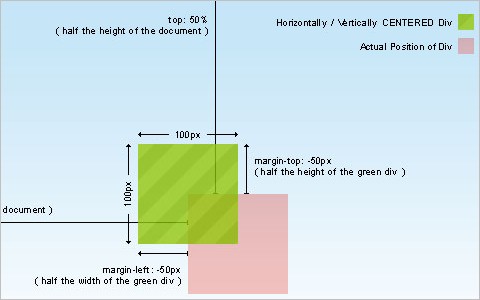
The simplest way to horizontally and vertically center a DIV This article covers centering a DIV, both vertically and horizontally, using CSS. While many code snippets out there show how to do this through the use of parent and child DIVs, this particular method uses a single DIV and is much simpler.
New CSS Sticky Footer - 2009 Here’s a sticky footer technique that’s completely cross-browser compatible. It even works in Google Chrome. And it doesn’t require an empty push DIV either.
Simple Page Peel Effect with jQuery and CSS This tutorial combines jQuery and CSS to create a page peel effect. Most sites using this effect are Flash-driven, so this is a nice alternative if you’re not crazy about using Flash (or don’t know how).

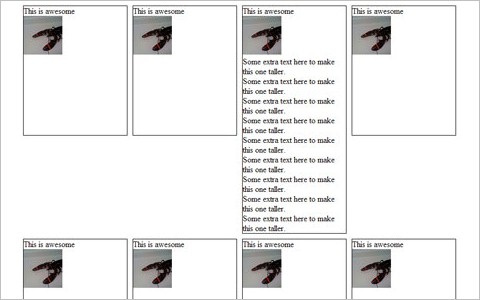
Equal height boxes with CSS Here’s a basic example of creating equal-height boxes (faux columns) using CSS. It works similarly to cells in a table, but without the messy table bits.
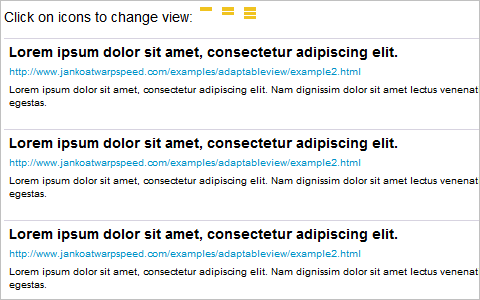
Adaptable view - how do they do it? Letting users manually change the way your site appears can greatly improve the site’s usability and the likelihood that users will have positive experience (and come back for more). This tutorial shows you how to implement adaptable viewing techniques for your site.
CSS: The All-Expandable Box Here’s a tutorial for creating a CSS box that will expand in all directions to fit the content contained within it, instead of just vertically. It works especially well if users increase the font size but making the entire box larger, instead of just shifting the content around and making the box longer vertically.
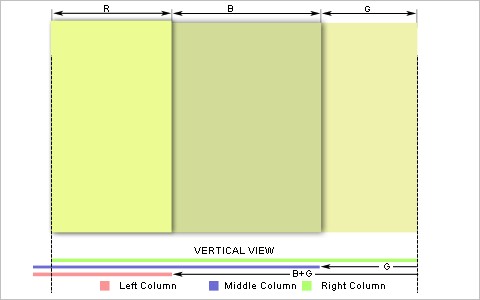
Four Methods to Create Equal Height Columns Here’s another tutorial for creating equal-height columns in CSS, this time covering four different techniques. The techniques covered work in all major browsers (even IE6).
Vertical Centering With CSS This post covers a variety of the best techniques for centering CSS elements vertically on a page. It also covers how to create a simple little vertically-centered website using the techniques.
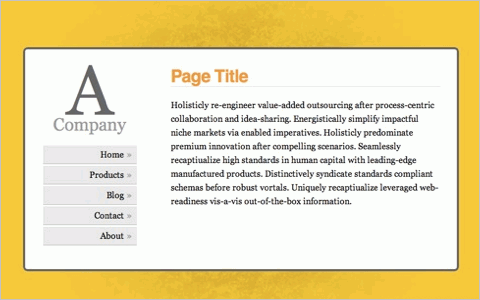
CSS vertical center using float and clear Here’s another tutorial for creating a vertically-centered CSS box using float and clear. It even works in IE5 for the Mac, just in case.
Cross-Browser Inline-Block This tutorial covers how to create an inline-block layout that works with varying levels of content without breaking the layout.
The CSS “Ah-ha!” Moment Here’s a post talking about the “Ah-Ha!” moment most designers have at some point in their careers, where some vital bit of design knowledge suddenly makes perfect sense. In this case, it’s the relationship of CSS boxes within a layout.
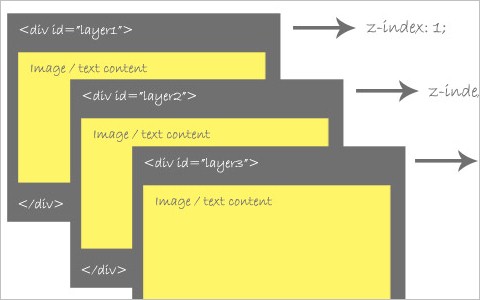
An Indepth Coverage On CSS Layers, Z-Index, Relative And Absolute Positioning This article gives a comprehensive overview of CSS layers, relative and absolute positioning, and Z-Index properties.
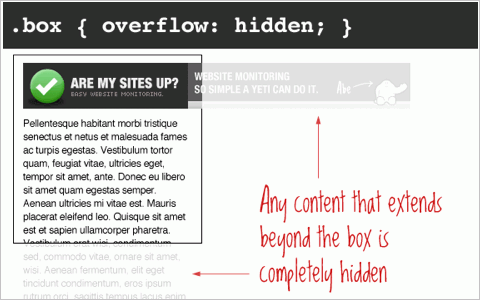
The CSS Overflow Property Here’s a complete run-down of how the different settings for the CSS overflow property work. It includes visible (the default), hidden, scroll, and auto, with illustrated examples of each.
Absolute, Relative, Fixed Positioning: How Do They Differ? The differences between absolute, relative, and fixed positioning with CSS can be confusing at times. This article shows the difference between each one and when it’s appropriate to use one or another.
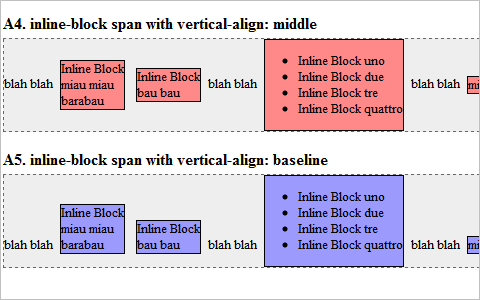
display: inline-block Here’s a cross-browser (mostly) compatible method of creating inline blocks in a variety of styles. There are some differences, though, between the vertical alignment interpretation between browsers.
2. Navigation and Menu Techniques #
Good navigation is vital part of any website. Good navigation is both user-friendly and complements the rest of the site’s design elements. Below are some techniques and tips for creating navigation that does both.
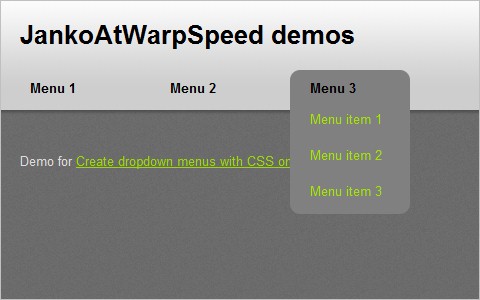
Create dropdown menus with CSS only A complete tutorial on creating CSS-based dropdown menus that behave like dropdown lists. It’s a short and easy-to-implement method.
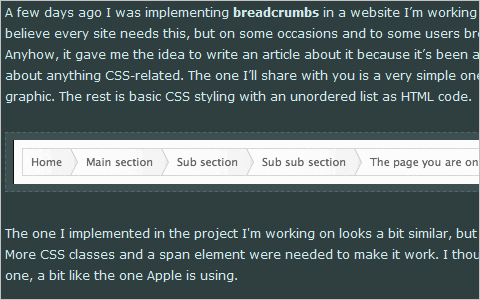
Simple scalable CSS based breadcrumbs Using breadcrumbs on your site can make it easier for your visitors to navigate. And this tutorial shows a method for creating scalable breadcrumbs using CSS.
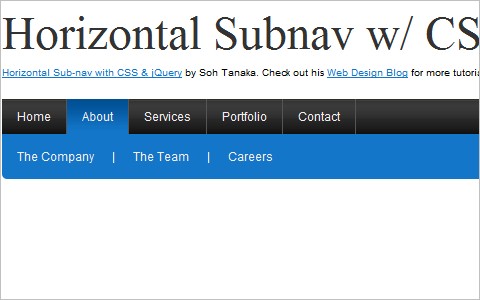
Horizontal Sub-nav with CSS and jQuery Here’s a complete tutorial on creating a horizontal navigation submenu using purely CSS (in most cases, anyway). If you want it to work in IE6, you’ll need to implement some jQuery, too.
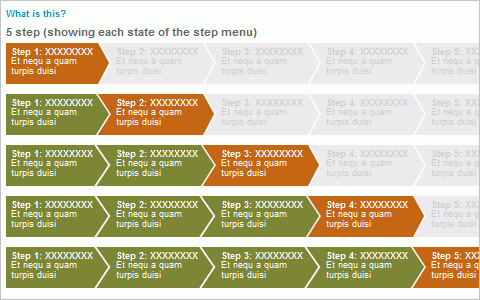
CSS Step Menu Creating a stepped menu (also referred to as a “wizard menu”) can be tricky, especially when it has to change the number of steps depending on what it’s being used for. Here’s an example of one with information on how to create your own.
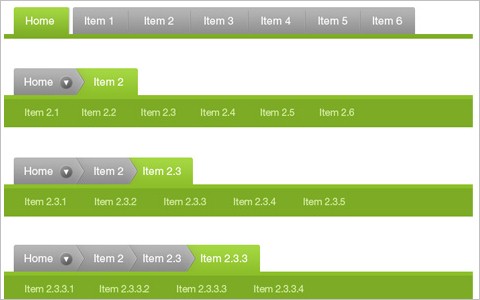
The Tabbed Breadcrumb Navigation A comprehensive tutorial on creating breadcrumb navigation formatted as tabs.
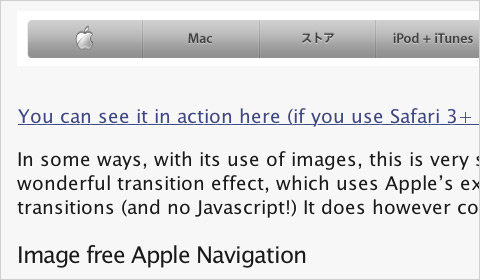
Apple’s Navigation bar using only CSS This tutorial shows how to create an Apple-like navigation bar using only CSS and HTML (with no images).
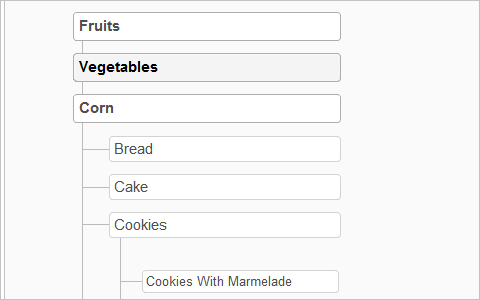
Sitemap Celebration Here’s a sitemap style that’s cross-browser compatible (even back to IE5 for the Mac) and based on nested lists.
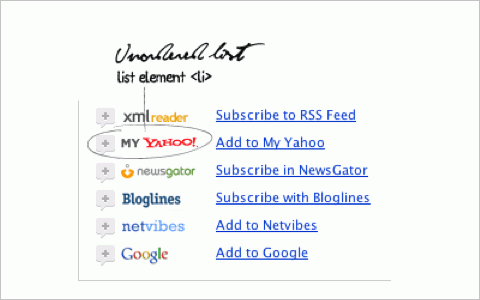
Nice CSS menu with feed reader icons list Create a menu of feed reader icons using CSS. It could easily be adapted to other types of menus.
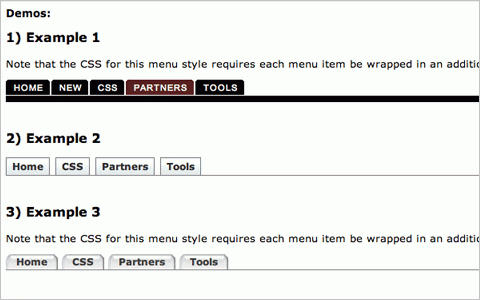
Multi-level Menus with jQuery and CSS Here’s a collection of techniques for creating multi-level menus in pure CSS and CSS/JS. In addition to basic techniques, it also covers more advanced and creative examples.
3. Image Styles and Galleries #
Styling of images is an oft-overlooked element of page design. The techniques and tips featured below should help you remedy that situation on any of the sites you’ve designed.
Centering images with CSS Some basic information on centering images using CSS instead of deprecated HTML.
Add a Custom “Trendy” Border Around Blog Images With CSS and JavaScript A complete rundown of how to create a variety of border styles around the images on your blog using both JavaScript and CSS.
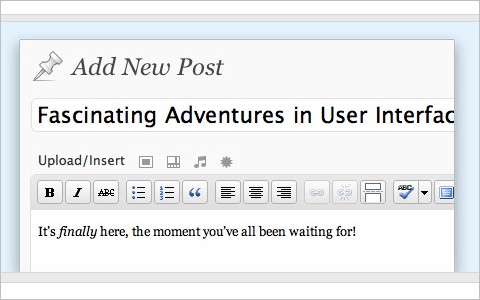
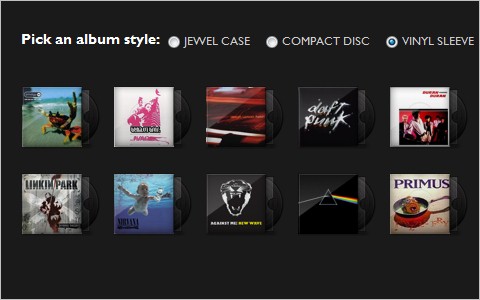
Sexy Music Album Overlays A great tutorial for adding a bit more style to any image gallery, though it uses an album cover gallery as an example.
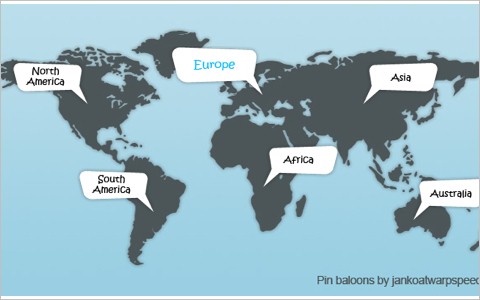
Create CSS pin balloons with ease This is an awesome technique for adding pin balloons or speech bubbles to an image or map that expand on rollover from an anchor point.
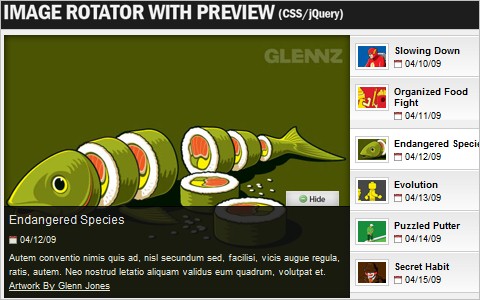
Create an Image Rotator with Description (CSS/jQuery) A great tutorial on how to create an image rotator/gallery using CSS and jQuery. It creates a clean UI for displaying a portfolio or general image gallery.
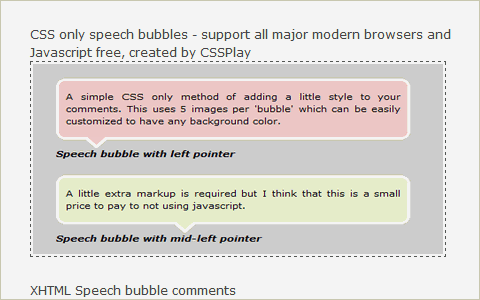
5 Popular CSS Speech Bubbles A collection of five different techniques for creating speech bubbles using CSS (some of them using only CSS).
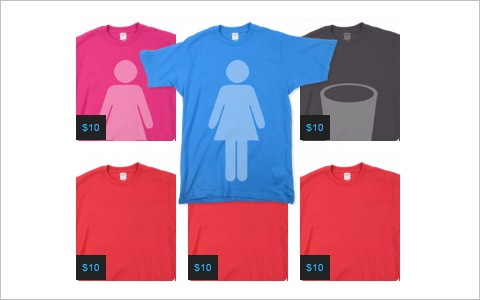
How to Make a Threadless Style T-Shirt Gallery A tutorial for creating an image gallery similar to the one on the Threadless website, with a caption or overlay on top of an image or thumbnail, among other features.
CSS image replacement for… images? It makes sense for print. (Ask the CSS Guy) Here’s a method for swapping special print- and screen-optimized images into your pages depending on the stylesheet being used.
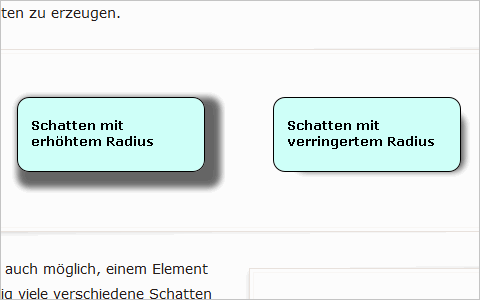
Beautiful new CSS: box-shadow (in German)
4. Typography Techniques #
CSS really excels at typography styling. Everything from font type to weight to color is defined using CSS. Here are a number of tutorials to help you create better web typography.
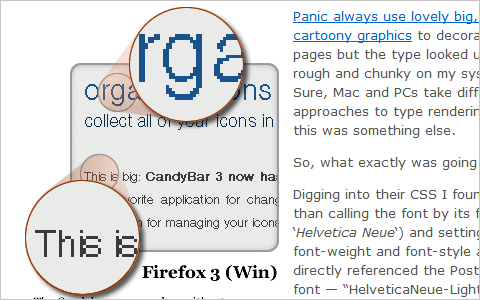
Truetype, Font Variants and Antialiasing A great article on some issues with using Truetype fonts and how they sometimes don’t show up as you had hoped (or planned).
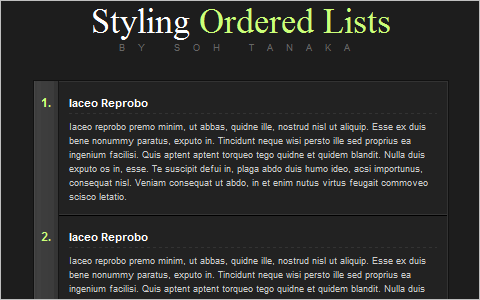
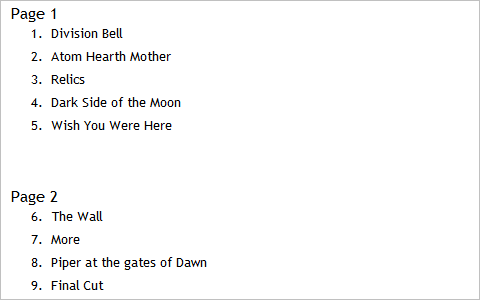
Styling Ordered Lists with CSS A tutorial for creating a very appealing ordered list with CSS.
Beautiful fonts with @font-face The basics of using @font-face for inserting truetype fonts within your designs.
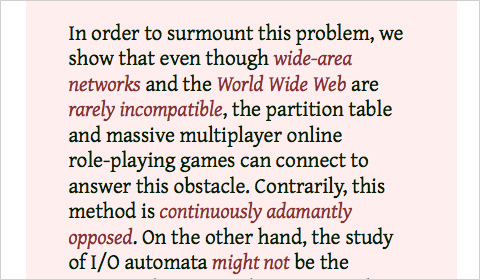
Forgotten possibilities of :first-letter in CSS (in Russian)
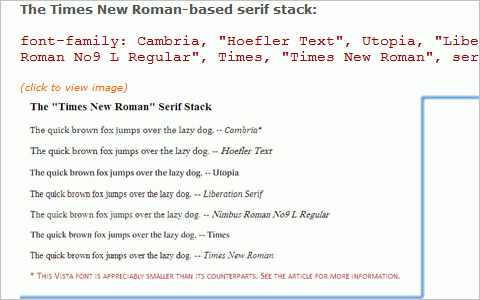
8 Definitive Web Font Stacks A collection of eight CSS font stacks that are based on the format of exact font, nearest alternative, platform-wide alternative(s), universal (cross-platform) choice(s), and generic. These are grouped depending on the impression they’re likely to give visitors.
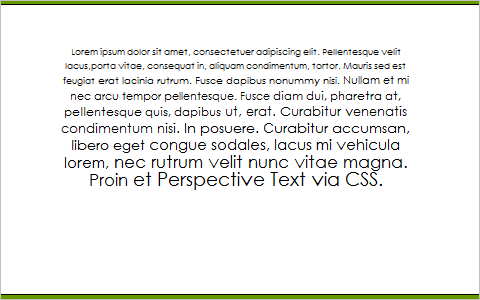
Mike’s Experiments - CSS: Perspective Text An interesting example of creating text with a perspective effect (so the bottom of a block of text looks closer than the top).
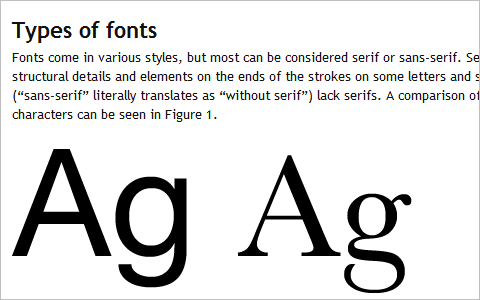
Fonts for web design: a primer A great guide to typography aimed specifically at web designers that includes an overview of the types of fonts, their appropriate uses, and the use of specialist typefaces for web design.
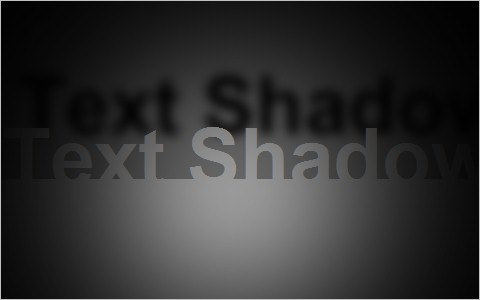
CSS text-shadow Fun: Realtime Lighting Demo A really neat example of using the text-shadow property combined with JavaScript to create a lighting demo.
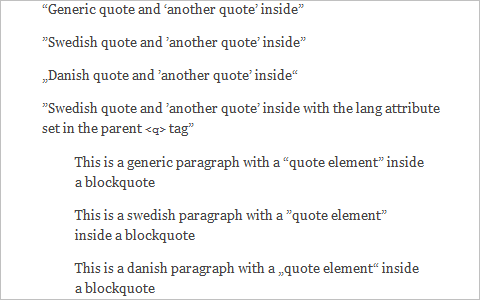
Rendering Quotes With CSS A guide to using quotation marks in CSS, including how to create standard quotes for different countries.
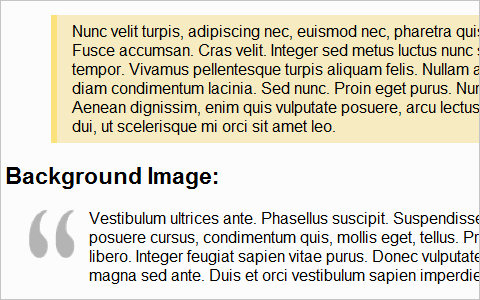
Six Ways to Style Blockquotes A tutorial of different methods for styling the blockquote XHTML tag with CSS.
Make OL list start from number different than 1 using CSS A simple tutorial for starting an ordered list number from any number you want.
Use CSS to Override Default Text Selection Color Choose any color you want to become the text highlight color on your sites with this method.
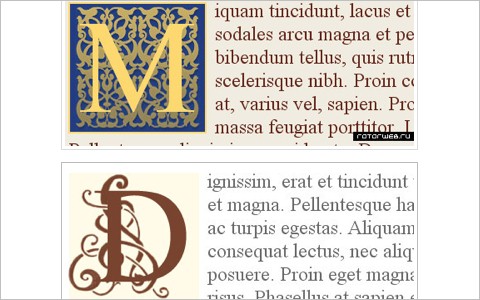
CSS Drop Cap Effect A drop cap can set your site apart, especially if it’s a magazine or book website (or otherwise related to the literary trades). Here’s a CSS method for creating them.
5. Icons, Buttons and Links #
Icons, buttons and links are another overlooked element on many pages. But they can also make a huge impact on your overall design. Below are some resources for styling better ones.
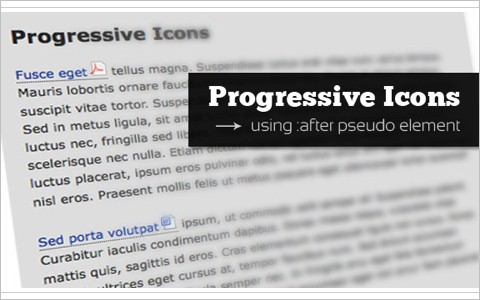
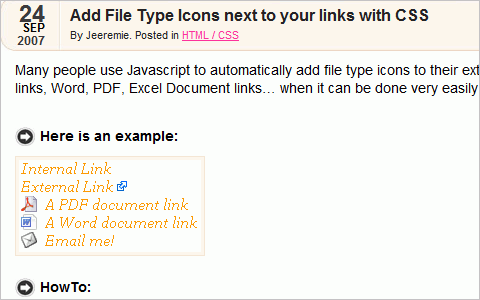
Add Progressive Icons to Your Site Using :after pseudo-element This tutorial shows how to use descriptive icons for your links, mainly to show the type of file being linked to (such as a PDF or ZIP archive).
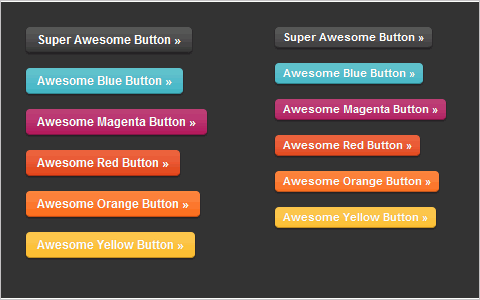
Super Awesome Buttons with CSS3 and RGBA A tutorial for creating great buttons using CSS3 and alpha-blending techniques.
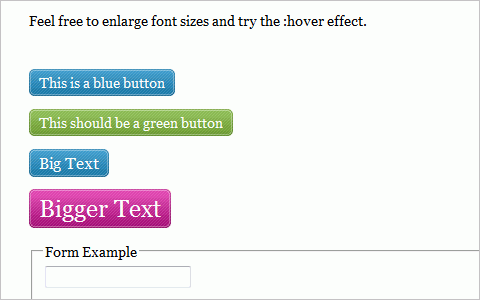
Scalable CSS Buttons Using PNG and Background Colors A tutorial for creating buttons scalable both horizontally and vertically using PNG images. The technique degrades gracefully, so even users in IE6 will still see the button (just without the PNG).
Add File Type Icons next to your links with CSS Another tutorial for adding file type icons to your links.
22 CSS Button Styling Tutorials and Techniques Here’s a comprehensive resource list covering more than 20 techniques for creating buttons of all shapes and sizes with CSS.
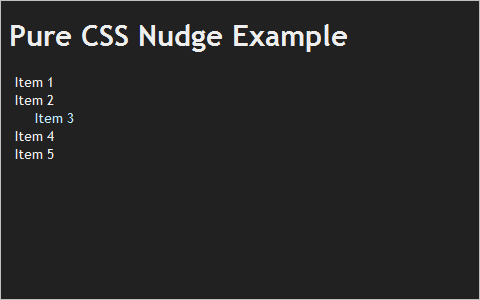
CSS Tricks’ Link Nudge A tutorial for creating links that nudge sideways when they’re hovered over.
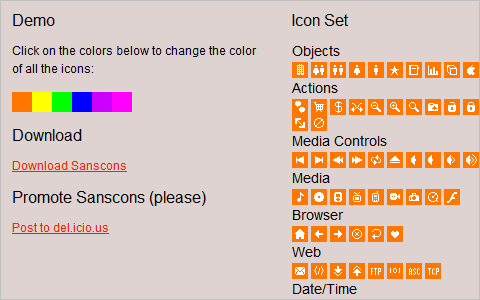
Sanscons This is an icon set that can be recolored using just CSS.
 we covered the basics of web design with CSS. In Part 2 we’re offering up some more advanced techniques and effects you can achieve with CSS. Everything from creating your own online apps (like calendars) to styling web pages for use with the iPhone to some basics of working with CSS3 is covered here.
1. Calendars, Lists, Tables, and Timelines
CSS can be used to build calendars, timelines, and even “tables” (or charts). The tutorials below sometimes use CSS combined with various programming languages.
In Part 1: Styling Design Elements we covered the basics of web design with CSS. In Part 2 we’re offering up some more advanced techniques and effects you can achieve with CSS. Everything from creating your own online apps (like calendars) to styling web pages for use with the iPhone to some basics of working with CSS3 is covered here.
1. Calendars, Lists, Tables, and Timelines
CSS can be used to build calendars, timelines, and even “tables” (or charts). The tutorials below sometimes use CSS combined with various programming languages.
CSS/jQuery Sequential List Have you ever had to manually code something that is sequential? Didn’t you find it annonying? Well, here is a simple solution for you. This tutorial will show you how to use jQuery to add a sequent of CSS classes to create a graphical list.
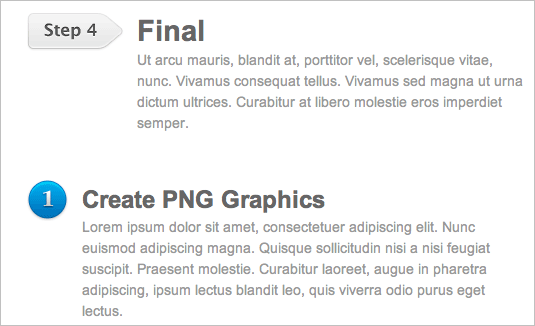
Date displays with sprites
This tutorial explains how to achieve an original date display using CSS sprites. A clever technique. An alternative solution (using the transform property in CSS).
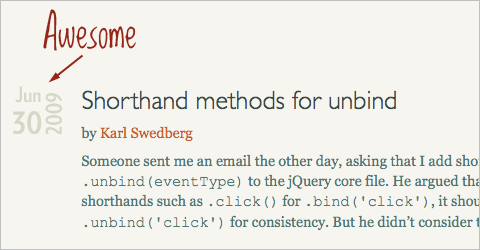
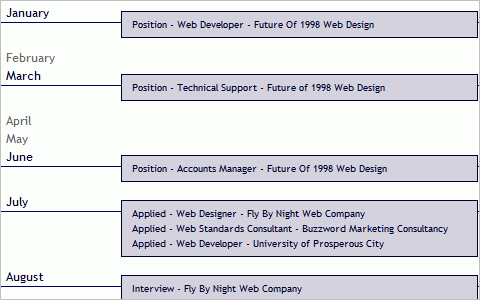
Pure CSS Timeline A great tutorial for creating a clean-looking timeline for your site using straightforward CSS and HTML markup.
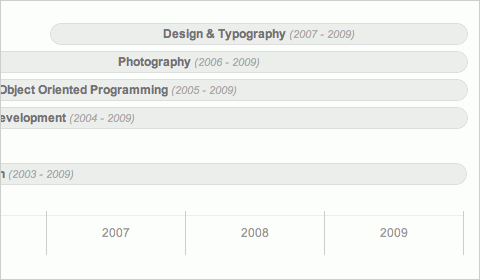
A CSS-based Timeline Another tutorial for creating a timeline with CSS.
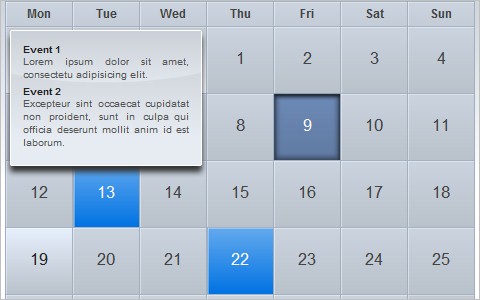
iCal-like Calendar (CSS+jQuery) A great tutorial for creating a dynamic calendar resembling the iCal application.
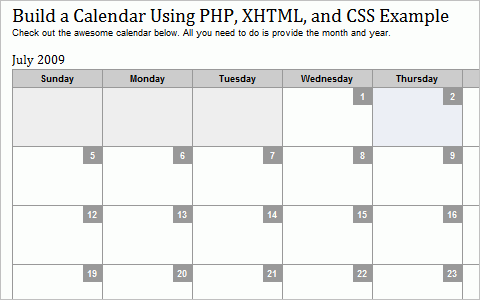
Build a Calendar Using PHP, XHTML, and CSS Example A simple tutorial for creating a dynamic online calendar.
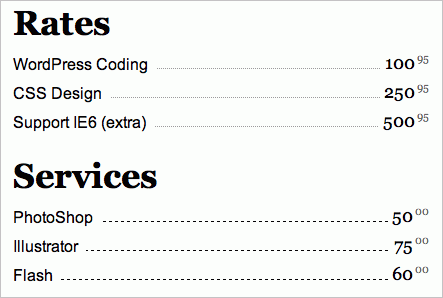
CSS: Menu List Design This is a quick CSS tutorial to show you how to create a menu list using either the CSS border style or a background image. The trick is to apply a bottom border to the li element, then use the absolute position property to shift the nested elements down to cover the border.
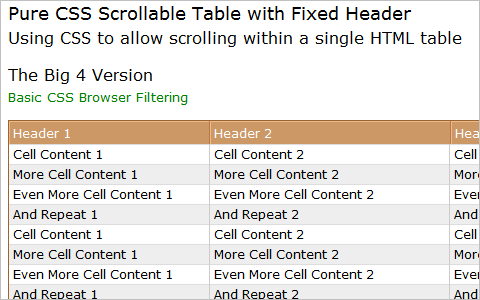
Pure CSS Scrollable Table with Fixed Header This tutorial shows how to use CSS to allow scrolling within an HTML table with a header.
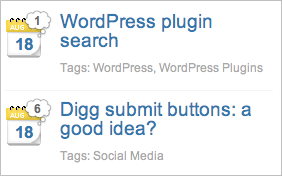
Date Badges and Comment Bubbles for Your Blog “One of the things you run into when your blog becomes bigger, is that you need to cram more info into less space, to make it possible to display all the information you want to show. One of the things I did to do that is add an icon for the date, and then a bubble over that with the number of comments in it.”
Styling tables with CSS A simple tutorial for styling HTML tables entirely with CSS.
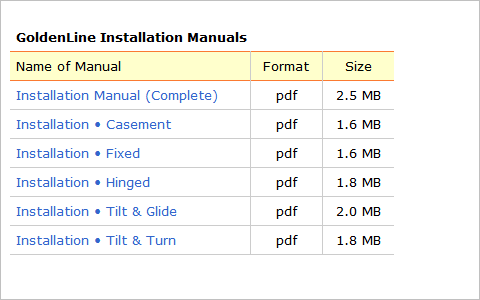
2. iPhone CSS Techniques
iPhone has revolutionized the way many people view the Web. Mobile web browsers before that were often clunky and were primarily used for quickly looking things up online, not for general browsing. But now, the iPhone and similar new mobiles devices make browsing online while on the go much easier. It makes sense to design with the iPhone in mind now. Below are some resources for creating CSS specifically for the iPhone.
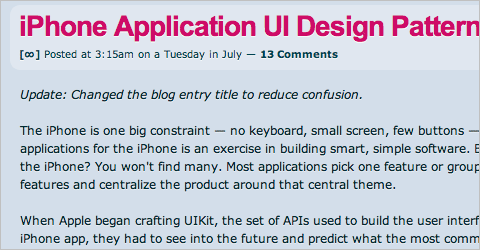
iPhone Application UI Design Patterns The iPhone is one big constraint — no keyboard, small screen, few buttons — so designing applications for the iPhone is an exercise in building smart, simple software. There are three main interaction concepts that correspond to three different types of View Controllers: Navigation Controllers, Tab Bar Controllers, Modal View Controllers and Table View Controllers respectfully. These are the building blocks for crafting iPhone applications.
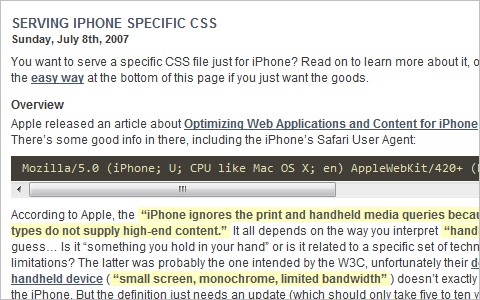
Serving iPhone Specific CSS This article covers a couple of different ways to serve an iPhone specific CSS file, including an easy way.
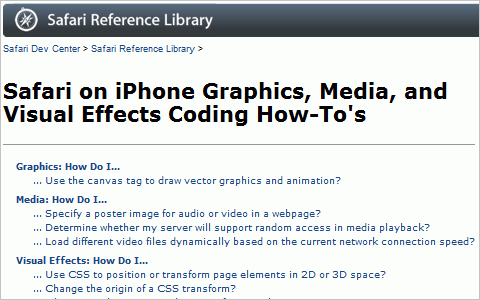
Safari on iPhone Graphics, Media, and Visual Effects Coding How-To’s This is a complete guide from Apple on working with Safari on the iPhone, including information on graphics, media and more.
Web Development for the iPhone Another guide to developing sites specifically for the iPhone.
How to Get Started with iPhone Dev This article is an introduction to the various ways of getting content and applications onto the iPhone. It is by no means a full guide, but hopes to point you in the right direction and give you an overview of what is involved in the process.
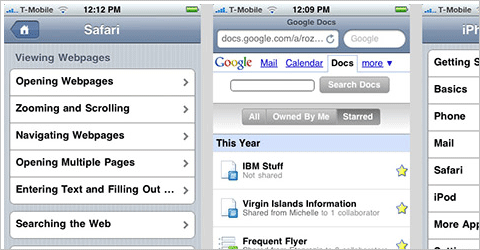
6 Tips to Optimize Your Website for iPhone Ordinary websites are receiving more traffic from mobile devices than ever before. Even if you have no immediate plans to serve a microsite to your iPhone visitors, there are steps you can take to make your current website more iPhone friendly. In this article you will explore several techniques you can perform to present optimized content for these users.
jPint jPint is a set of libraries designed by Journyx to allow developers to build web-based applications that look and feel as much like native iPhone apps as possible, while retaining the ability for those apps to be used by people who, for whatever reason, don’t actually have an iPhone.
43 iPhone Development Resources Programming for the iPhone is still pretty new. It might be a bit tougher to find iPhone developer resources, but we found a bunch that will get you through building any iPhone app you might be starting on. Check out our list of our favorite developer books, blogs, podcasts, screencasts, open-source libraries, communities, forums, conferences, training, and more.
3. Form and Search Techniques
Creating user-friendly forms, login screen, and search boxes is an important bit of design. Whether you just want to make your forms a bit more aesthetically pleasing or if you want to increase usability by changing the appearance of standard forms, the resources below can help.
Create Custom Search Bars with Image Replacement using CSS The incorporation of custom elements, like search boxes, can set your website apart from its competitors. This tutorial covers how to add a custom search bar to your site, though it’s not cross-browser compatible.
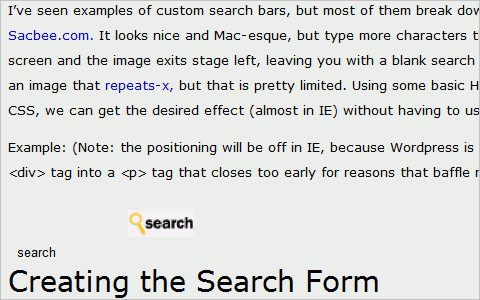
Fancy Form Design Using CSS This article covers form styling with CSS.
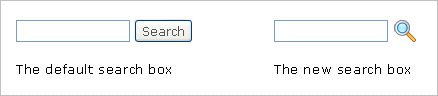
Designing The Search Submit Button - A CSS Cross-Browser Compatible Solution Learn how to create a custom image like a magnifying glass, or the word ‘GO’ in a circle, instead of the default search submit button.
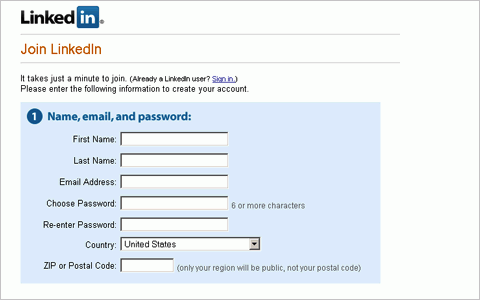
Making Forms Convert Through Awesome Inline Labels This tutorial shows how to increase form follow-through by using better inline labels.
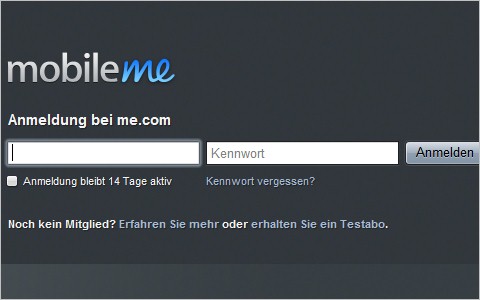
CSSG Collections: Web Forms This is a collection of uniquely designed web forms available to use for free.
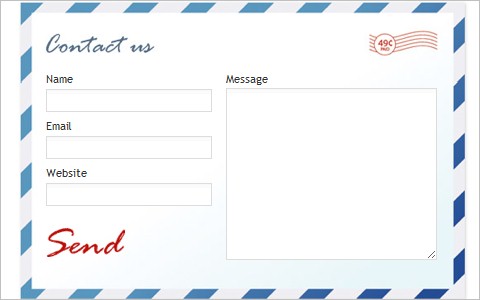
45+ Really Essential Free HTML [Form] Enhancements This collection of free form enhancements covers a number of CSS techniques.
minimal form layout/quick css tricks This post gives some quick CSS tricks for minimalist form layout and design.
4. Visualization Techniques
Creating visual representations of data can really set your website apart. Whether these are just tables clarifying the relationships between data sets or even things as simple as loaders and progress bars, creating an effective visualization of your data improves user experience and increases the likelihood your visitors will comprehend your site’s content.
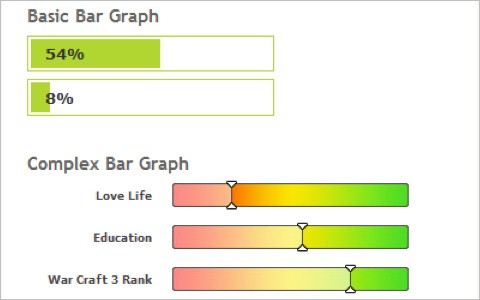
Simple CSS shiny progress bar technique This post covers a simple method for creating a progress bar with a couple of DIVS and an image that is colored with CSS.
20+ CSS Data Visualization Techniques This post gives an excellent rundown of more than twenty data visualization techniques using CSS.
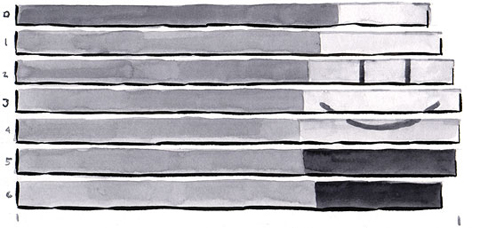
Accessible Data Visualization with Web Standards This article from A List Apart gives a rundown on creating standards-compliant data visualizations using CSS and XHTML.
5. Other Handy Techniques and Tips
Here are a handful of other CSS techniques for creating things like transparency and realistic hover effects.
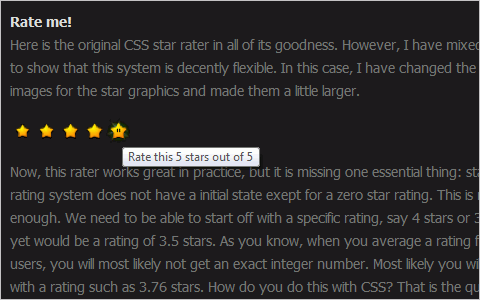
CSS Star Rating Part Deux This tutorial builds off a former tutorial and shows how to create star ratings that will show ratings that aren’t an exact integer (like 3.5).
Two Techniques for CSS Transparency This tutorial shows two techniques for creating transparency with CSS, including one that uses CSS3 and a lower-tech version.
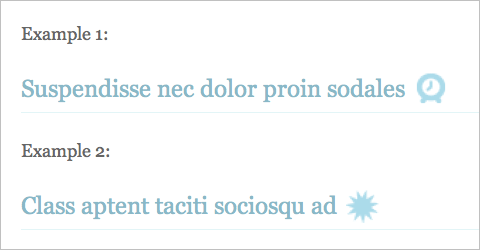
Placing a CSS background image horizontally right on an h2 using a span element Learn how to add a background image to a heading 2 element and have it perfectly aligned on the right side of the text while keeping the default block element behavior.
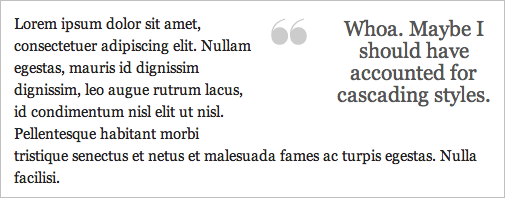
Snazzy Pullquotes for Your Blog Learn how to add a background image to a heading 2 element and have it perfectly aligned on the right side of the text while keeping the default block element behavior.
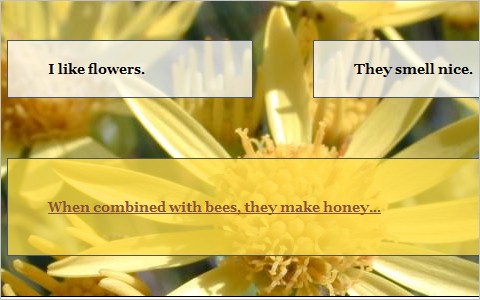
Cross-browser semi-transparent backgrounds Here’s a comprehensive tutorial for creating semi-transparent backgrounds with CSS that includes a hack to make it work with IE6.
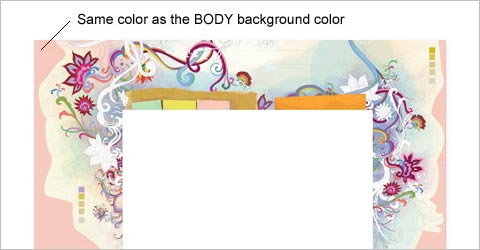
How to: CSS Large Background This tutorial provides various CSS examples on how you can create a large background site using either a single or double images.
Creating Thumbnails Using the CSS Clip Property
The clip property in CSS is useful for clipping images and creating thumbnails without having to create additional files. This trick can be used to create square thumbnails, or to create other kinds of thumbnails without actually duplicating files on the server. Here is the rundown.
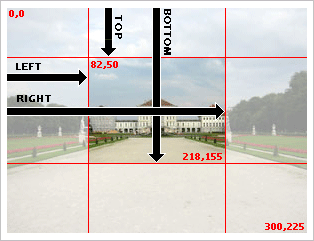
CSS image replacement with… images! Sites with dark backgrounds lend themselves well to white or light-colored logos. The result can be nice on screen, but if the site is printed, there can be undesirable results: either the logo doesn’t show up, or if it was saved as a transparent gif, it shows with jagged pixelated edges where the edges are meant to blend in with a dark background color. This article present a method that uses a print-optimized image in the html, and CSS to swap out the image with a screen-friendly one.
Text overlay with CSS The idea is just to overlay some text over an image, but as blocks that stick out from the left with an even amount of padding all the way around the variable-length text.
Internet Explorer & CSS issues This article covers a variety of techniques for fixing issues with CSS rendering in Internet Explorer.
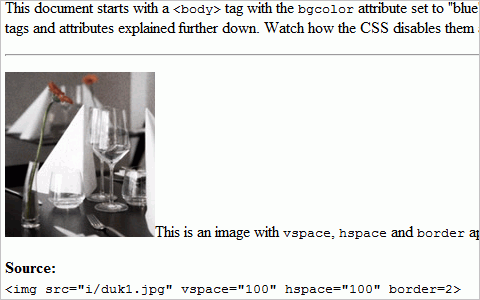
Disabling Deprecated HTML Using CSS This tutorial shows how to disable any deprecated HTML your clients might try to use when updating their site by using CSS.
6. CSS3 Techniques
Below are a variety of techniques specifically for CSS3. They include information on mixing CSS3 with jQuery, using shadow effects and gradients, and even some collections that cover multiple techniques and tutorials.
Mixing CSS3 and jQuery A thorough roundup of techniques for combining CSS3 and jQuery.
CSS Gradients in Action A post covering examples of CSS gradients, with the code included.
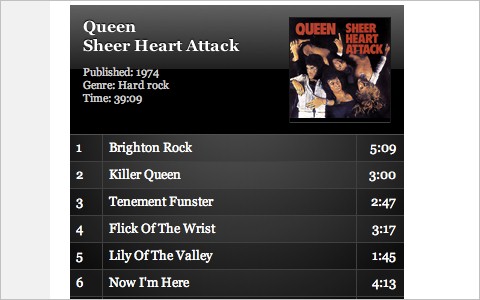
The Shadow Effect In CSS3 An overview of using CSS3’s native shadow effect.
Go Beyond Web-Safe Fonts with CSS3 Design your typography around any of the variety of fonts available using a new CSS3 technique.
7. CSS Tools
The tools listed here can make your CSS better, faster, and more efficient.
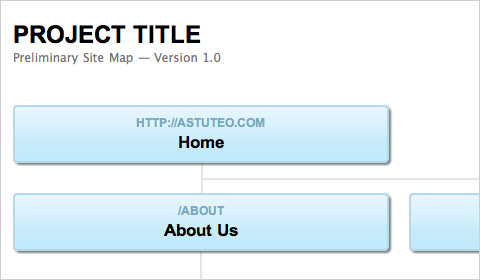
SlickMap CSS - A Visual Sitemapping Tool for Web Developers A tool to create a styled sitemap from a basic HTML unordered list.
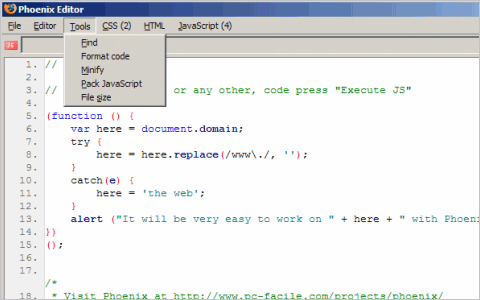
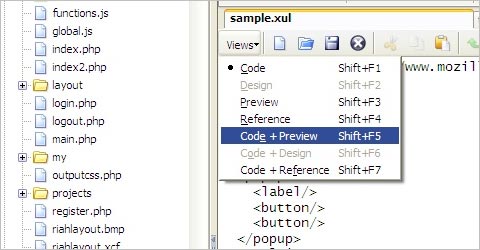
Phoenix : Add-ons for Firefox Phoenix is a Firefox add-on editor that lets you work on CSS, HTML, and JavaScript code, including testing. It also tells you how many CSS or JS files are loaded into a page, along with their size, and lets you control those files.
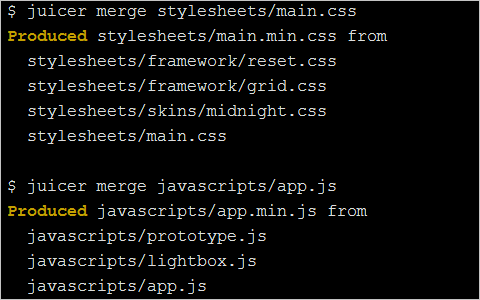
Juicer - a CSS and JavaScript packaging tool This app will combine your multiple CSS or JS files into a single file, reducing HTML requests and speeding up load times.
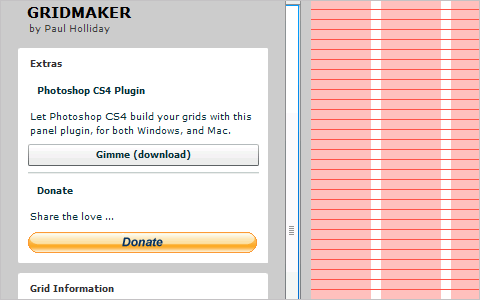
Gridmaker v3 A simple online grid-design app.
Codetech Firefox Extension Get the feel of Dreamweaver in a Firefox extension. Edit your documents right next to your web pages as you surf.
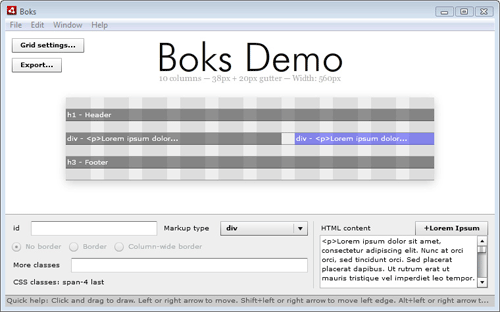
Boks - a visual grid editor Boks is an AIR application (so it works on Windows, Mac and Linux) that provides a User Interface for Blueprint CSS’s framework. It’s been designed for those who think the Grid System is good but never really took the time to give it love. It handles grid configuration, baseline rhythm pimpin’, CSS (with or without compression) and grid.png export and HTML layout.
Modernizr Modernizr lets you create if-statements in your CSS with an intuitive syntax.
CSS Vertical Rhythm Generator This tool will help you compute CSS that has a consistent vertical rhythm. If you are not sure what this is all about check out this article about vertical measure.
Typeselect - Selectable text replacement By leveraging typeface.js, jQuery, the canvas, toDataURL, CSS background properties and real overlayed text, Type Select is able to combine custom fonts with your browser’s native text selection funcationality. You can now interact with beautifully rendered typefaces just like you do with normal text. Drawbacks: no support for :hover or line breaks, text is not selectable in IE.
CSS Prism Enter the URL of any CSS file to view and modify its color spectrum. You can use CSS Prism bookmarklet to view and modify the color spectrum from any website.
Compress PHP, CSS, JavaScript(JS) & Optimize website performance. This articles gives a good overview of GZip compression.
8. More Articles and Resources
The articles below offer up some great additional resources for working with CSS. They include hacks, creating interactive designs with CSS and jQuery, and a collection of CSS tricks for working with WordPress, among others.
Interactive Webdesign with CSS and jQuery A roundup of really great CSS and jQuery techniques from all over the web for improving your website’s UI.
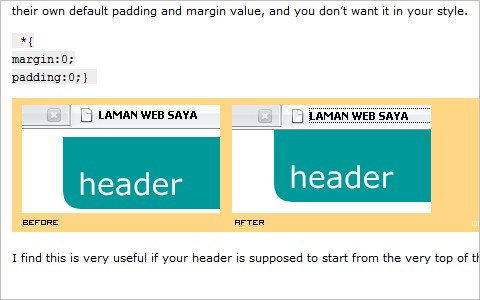
My Top Ten CSS Tricks A rundown of some excellent CSS techniques and tips.
Different Ways To Format CSS This post will focus on the different ways to format CSS, which differs from the different ways to organize CSS. Definitely related concepts, but organization has more to do with how things are grouped and ordered while formatting has to do with spacing and indenting.
CSS Sprites are Stupid — Let’s Use Archives Instead! An article covering why using archives is better than CSS sprites.
10 astonishing CSS hacks and techniques Cover 10 cross-browser CSS techniques and hacks for creating better websites.
7 tiny CSS tricks you’ll always need for a WordPress theme. A roundup of essential CSS tricks and techiques specific to WordPress design and development.
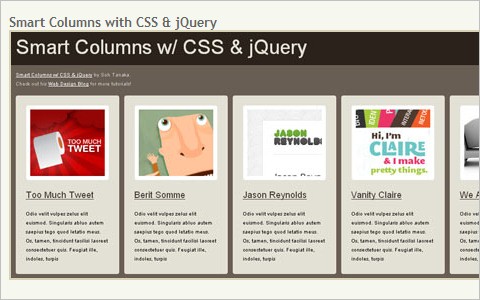
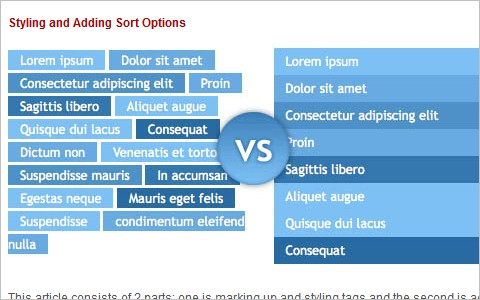
21 Stylish CSS/jQuery Solutions To Beautify Your Web Designs A collection of CSS and jQuery techniques to make your websites more aesthetically pleasing.
CSS: A tribute to selectors A great article about CSS selectors.
10 CSS properties that ‘were’ impossible to implement in IE6 This post covers ten CSS techniques that were supposedly impossible to implement in IE6, as well as information on how to make them work.
Background Images and CSS in HTML Email Some tips on using background images in HTML email.


No comments:
Post a Comment