We’ve scoured the Web to find some impressive vintage Photoshop tutorials that can help you achieve an “old-fashioned” look-and-feel in your designs. In this post, we go back to the 1900’s all theway to the 1980’s to showcase a variety of vintage- and retro-inspired designs that involve poster art, collages and graphical elements. Whether you’re into print design or web design, you’ll find something you can use or build upon.
Without further ado, we present 35 high-quality Photoshop tutorials that may help your design… well, travel back in time.
Vintage and Retro Photoshop Tutorials
Papyrum (affiliate link)
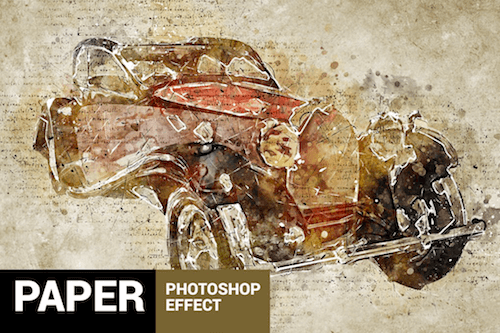
If you’ve got a sweet spot for vintage, the Papyrum Photoshop effect has got you covered. A grungey style with a lot of details and possibilities.
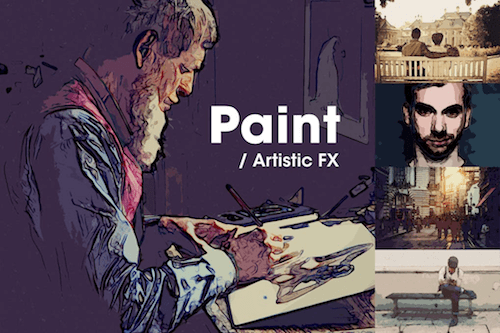
Paint / Artistic FX (affiliate link)
The Artistic FX Photoshop template beautifully manages to create an illusion of depth. One of its strengths also lies in playing with the contrast between light and shadow.
Perfectum (affiliate link)
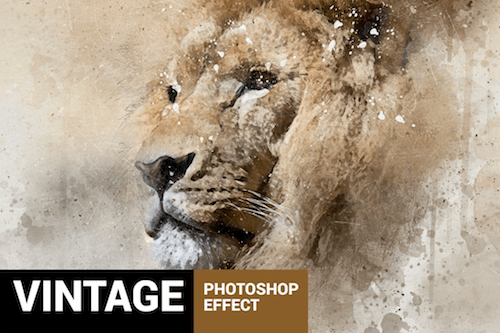
Perfectum transforms your photos into professional watercolor and pencil artworks with a vintage twist. For fast results (and some fresh inspiration, of course), the action comes with 20 different color presets, different patterns and brushes.
Watercolor Photoshop Action (affiliate link)
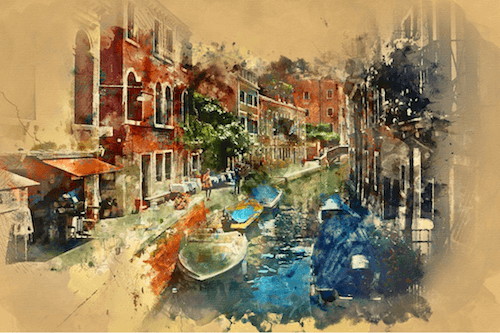
Turn your photo — or only parts of it — into a watercolor painting that looks as if it was made by one of the old masters. To apply the effect, brush onto the areas you want to turn into watercolor art and play the action.
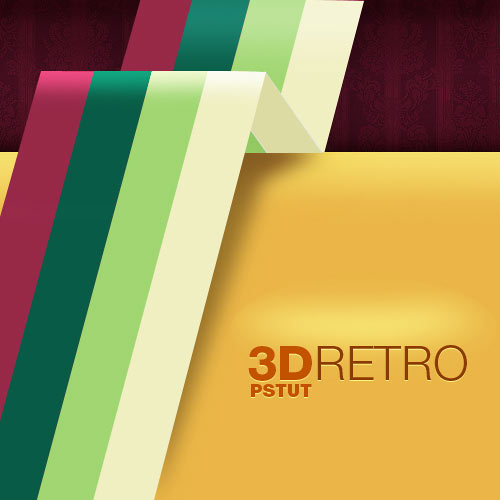
Create a 3D Retro Strip in a series of simple steps. A simple technique to use with a pen tool.
Creating a Space-Helmeted Future Retro Illustration
Create a poster and overall look for a night at a local club in Photoshop.

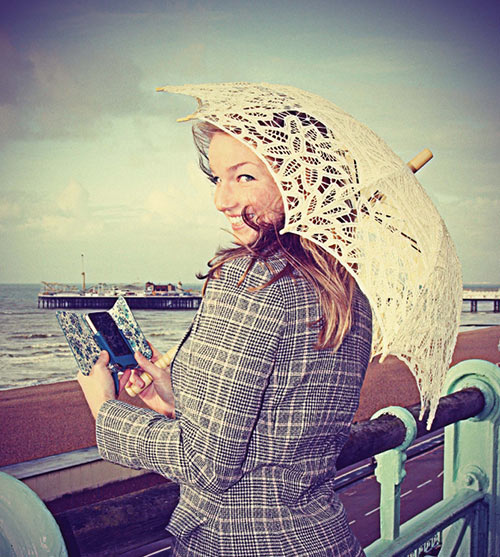
How to create a antique look with smart use of a series of techniques and layers.
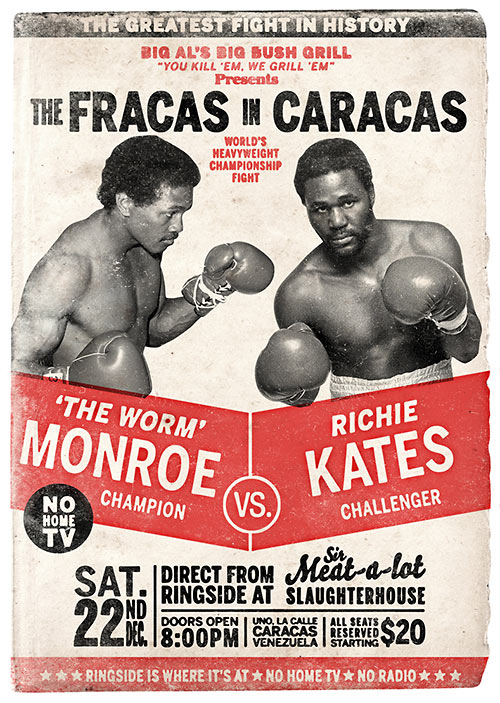
How to Create a Retro Boxing Poster in Photoshop
Mimicking Graphic Design Aesthetics from yesteryear. A Poster Design from the 1960s.
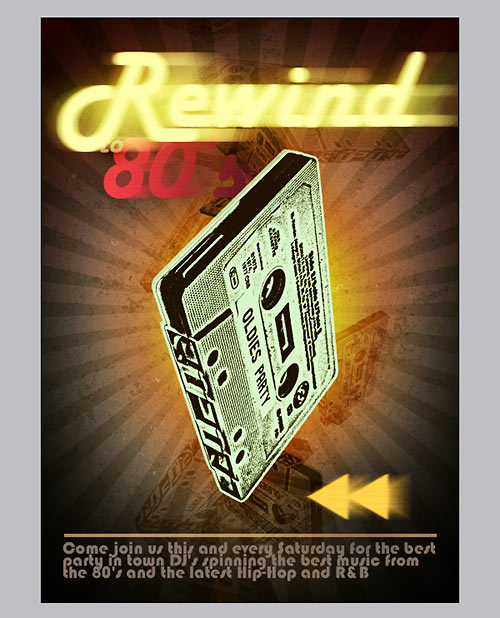
How to Design a Rockin’ 80’s Party Poster
How to design a poster for an 80’s anthem party. Create some textures for background and manipulate a photo to give it a stylish look.
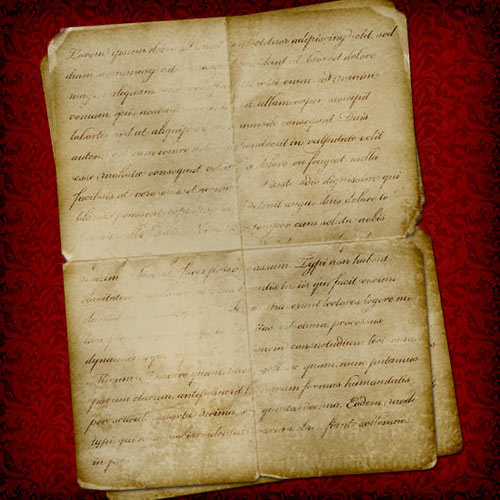
Creating Old Paper With Custom Brushes
How to create a Custom Brush using a folded piece of paper and then how to use that brush to create an old piece of paper.
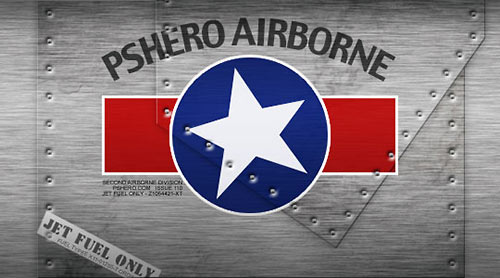
Use the noise and blur filters to create a brushed metal effect, then a few layer styles to create a cool little airplane graphic.
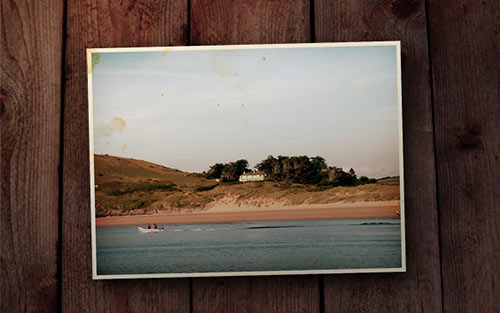
Take a regular, boring photo and liven it up using with some effects to give it more of a retro feel to it.
How to Quickly Create a Stylish Retro Text Effect
Learn how to use the Perspective tool to create depth and how designers can use default gradients in unusual ways.

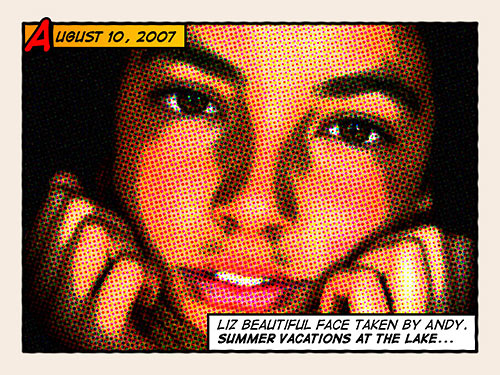
Give Your Photos a Retro Comic Book Effect
How to give a comic book look to your photos using a couple of filters and some additional decorations.
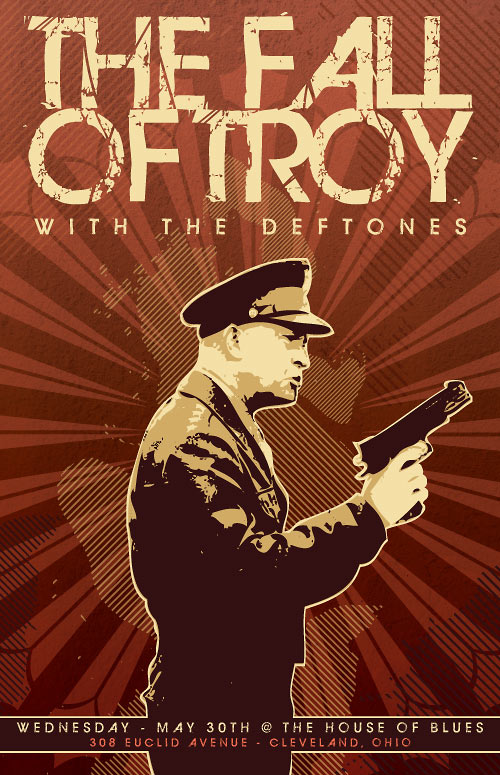
Create a music poster with Photoshop. Use a public domain photo from WWII.
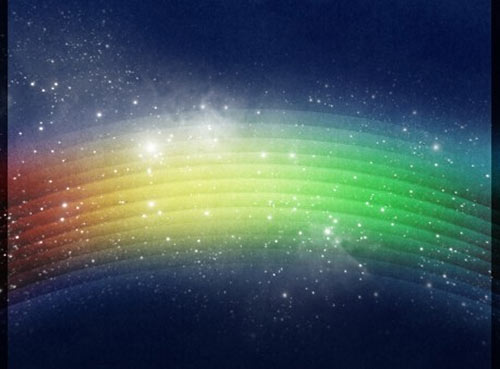
Create A Retro Cosmic Design in Photoshop
This tutorial will teach you how to recreate a Retro Cosmic design.
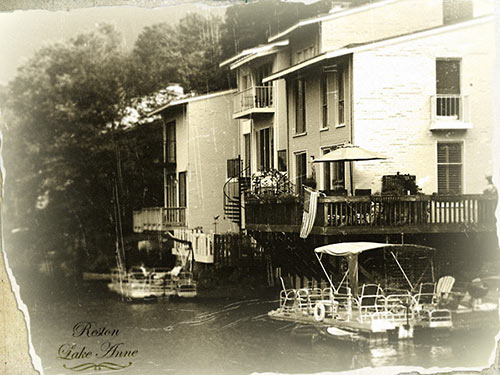
Take a ordinary photo and turn it into an old picture with faded colors and torn edges.
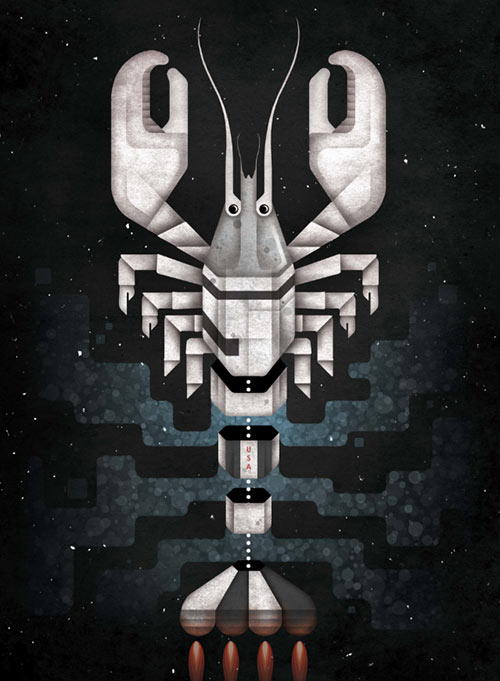
Photoshop Tutorial: Handmade textures and shading effects
How to add textures to your work to give it a handmade feel, and how to combine these with shading and highlights to provide extra detail to your image.
Learn how to use photos to create surreal montages that have that authentic washed-out vintage look.
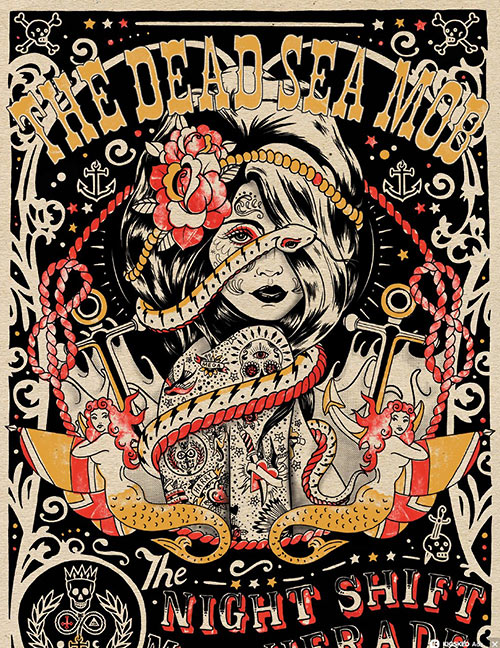
Photoshop tutorial: Create retro poster effects
A vintage-style poster with great type, a main character and other elements decorating the poster’s border.
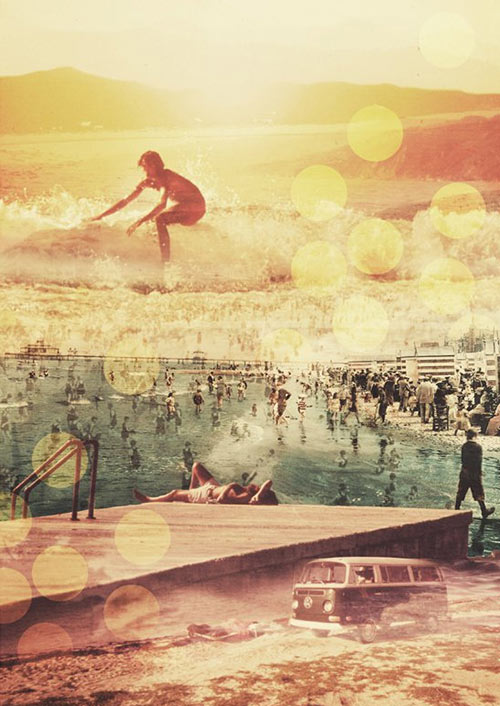
Photoshop tutorial: Create a retro photo collage illustration in Photoshop
Learn how to use brushes to replicate clouds, dust and grime and how to add foreground blur to objects to give the impression of depth.
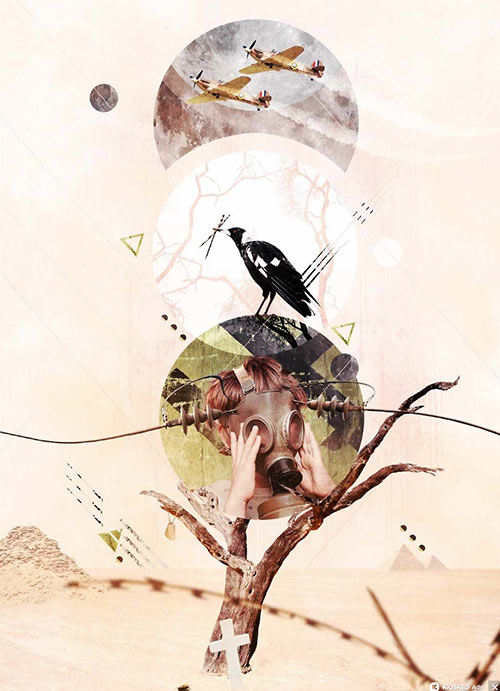
Create 1980s type effects in Photoshop
Combining the trashy glamour of the 80s with the fantastic toolsets of Photoshop
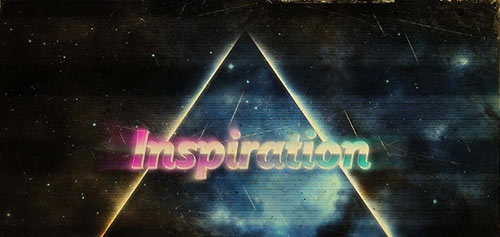
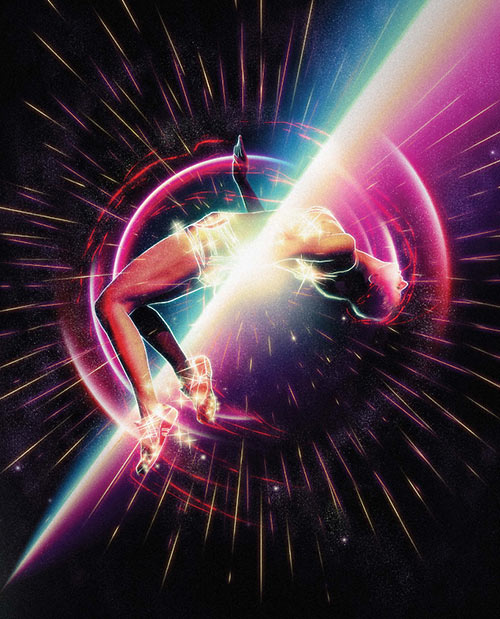
Create dynamic art using glows and lighting effects
Use adjustment layers, blending modes, and even Illustrator to create this super-powered athlete within an atmosphere that draws on the traditions of sci-fi art.
Create low-poly art in Photoshop
Use faux 3D modelling and Photoshop texturing to create a striking vintage-style low-poly artwork.

How to give illustrations a retro look in Photoshop
How to create a vintage aesthetic using textures.
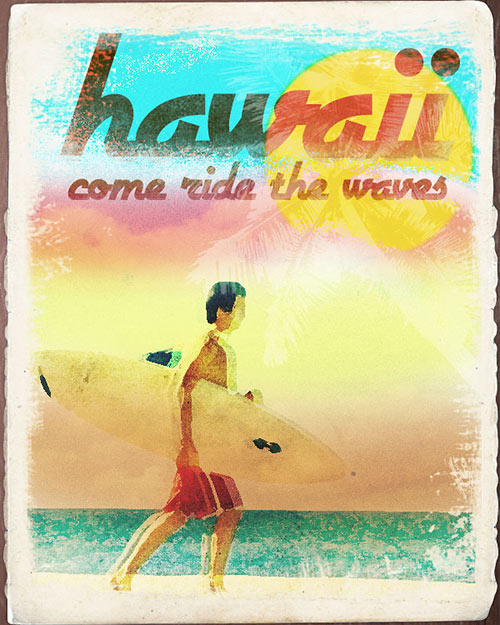
How to Make a Worn Vintage Beach Ad in Photoshop
How to create a worn out, low-saturation-colored vintage beach ad in Photoshop. Use techniques such as the usage of brushes, editing colors, using filters and masking.
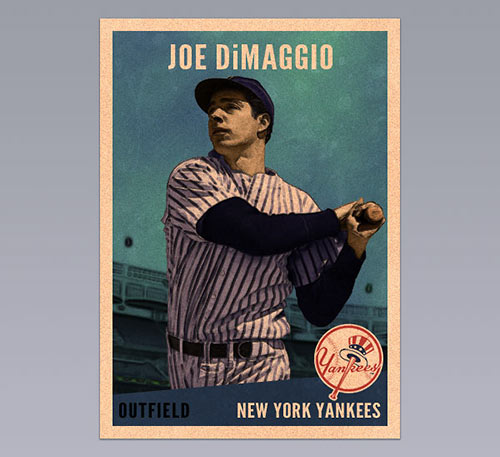
Design a Vintage Baseball Card in Photoshop
Create a realistic vintage baseball card. Add color to a black and white photo, reproduce an illustrated effect and create an “old print” effect.
Create 3D type using Photoshop
How to create elegant 3D type with the 3D tools of Photoshop. Experiment with an object’s material and have full control of a scene’s lighting.
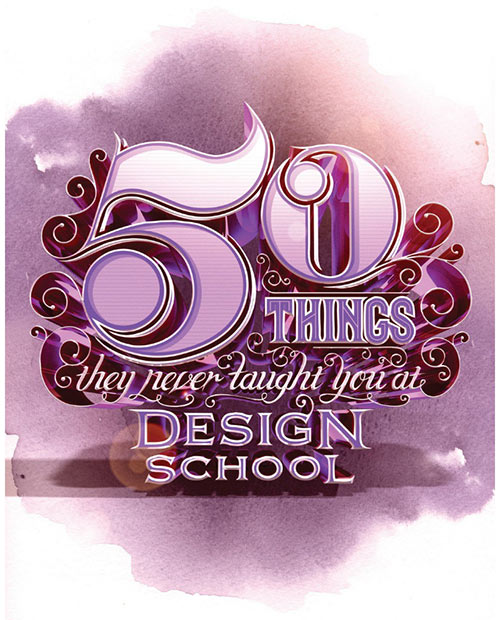
How to create that look and feel of the old VHS movies that we used to watch so many times.
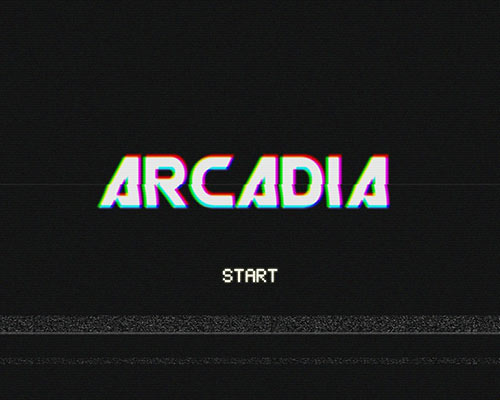
Create a Trendy Retro Landscape Design in Photoshop
Manipulate a landscape photo with various color adjustments and lay out a typographic quote to create a retro style landscape design.
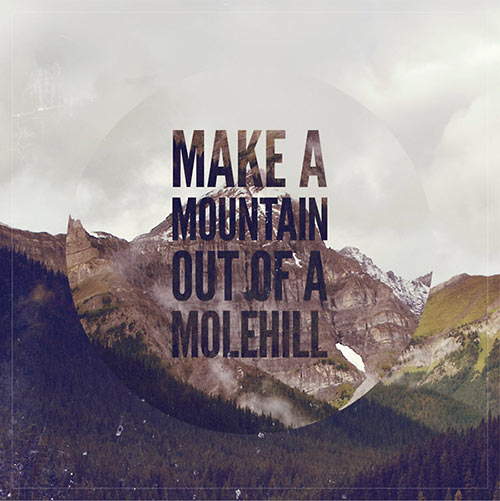
Create a Funky Retro Wavy Text Effect in Photoshop
Design a retro-colored psychedelic background and add some vintage text.
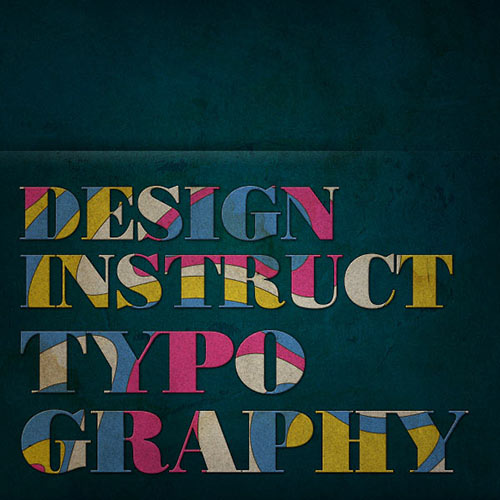
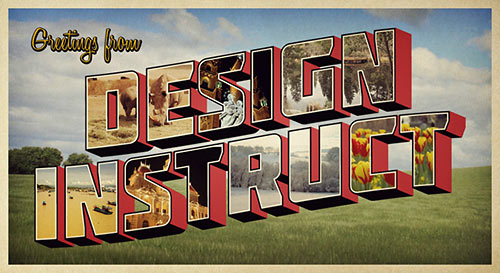
Design a Retro Postcard with 3D Text
Use Illustrator and Photoshop to create a retro style postcard with text and different images within each letter.
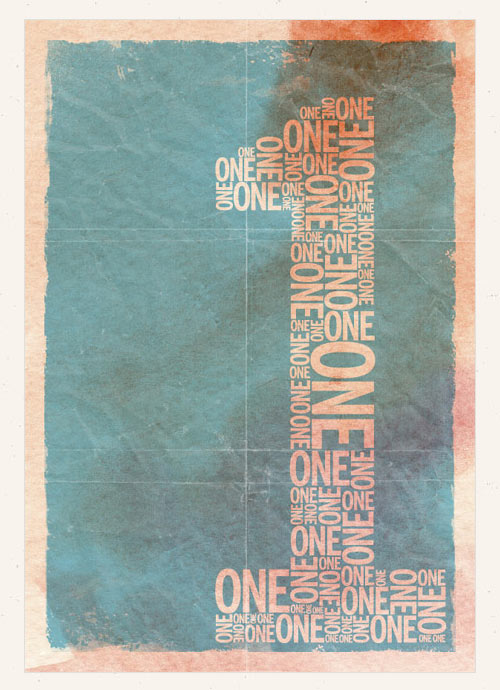
How To Create a Retro Style Typographic Poster Design
Learn how to create a retro style typographic poster design with distressed textures and a muted colour scheme.
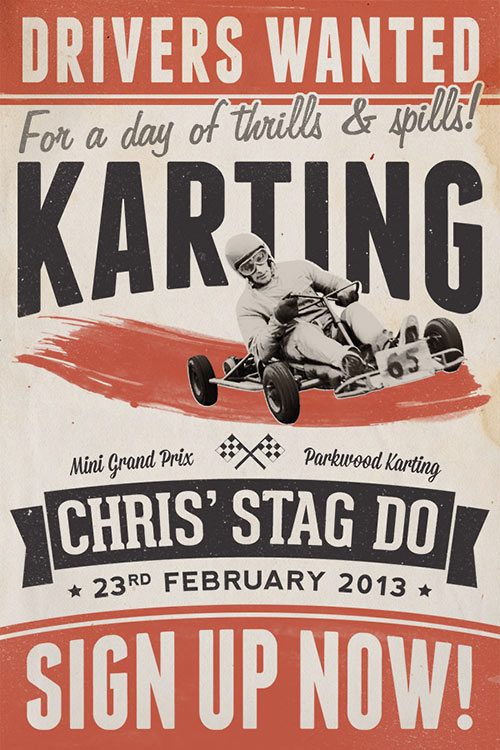
How To Create a Retro Style Race Poster in Photoshop
Use Photoshop to put together the poster layout with various textures and brushes, but also switch back and forth to Illustrator to create the typographic elements.
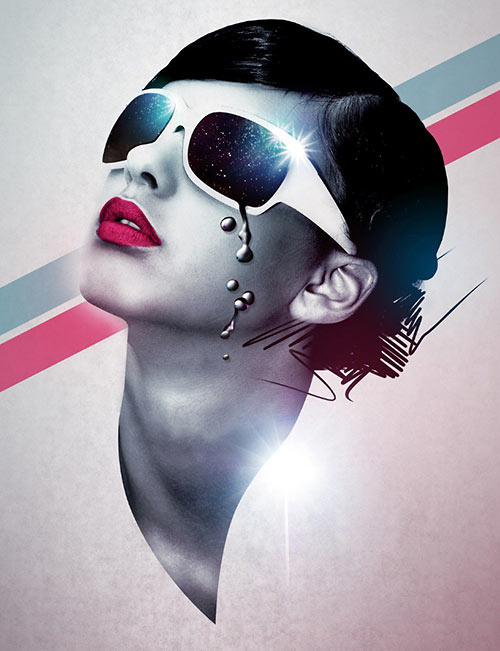
Photoshop tutorial: Master Photoshop layer effects
How to add a bold, pop culture retro flair to a striking model.
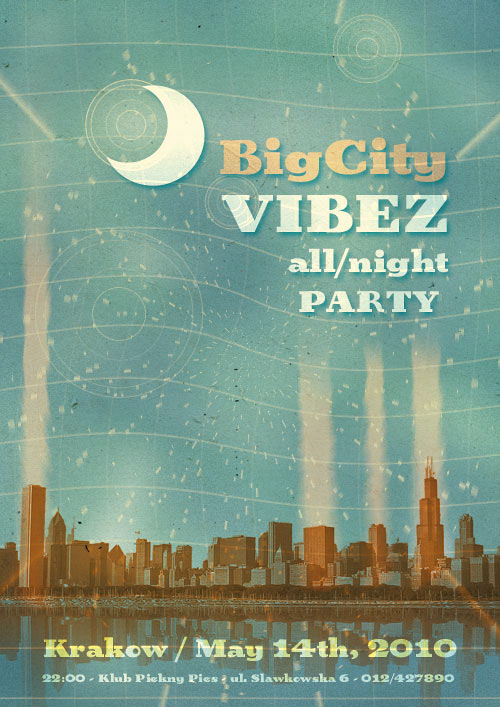
Create a Retro Urban Gig Poster in Photoshop
Learn how to bring nature’s random variations into your digital creations.
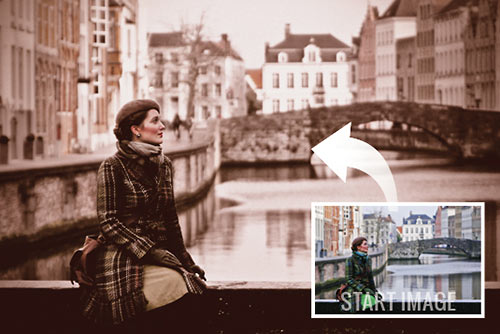
Apply a quick vintage look in Photoshop
Change colours within an image, in four simple steps. Create amazing special effects with Color Lookup.
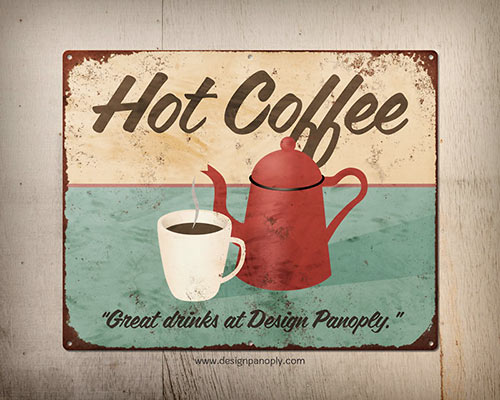
Rusty Vintage Tin Sign in Photoshop
Recreate this retro effect in Photoshop with layer styles and textures.
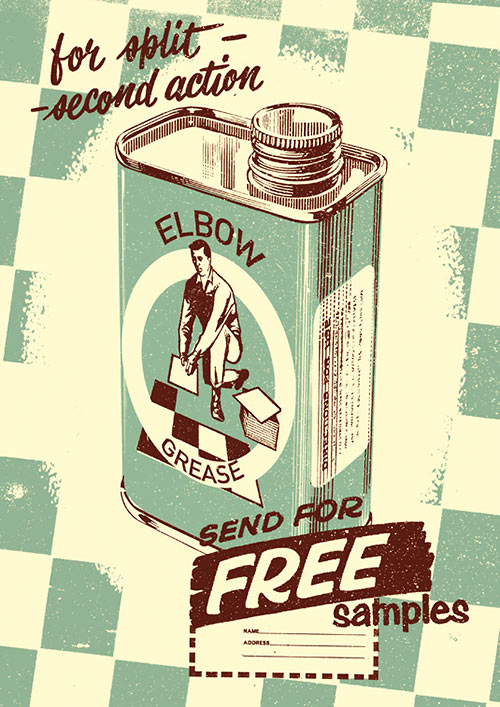
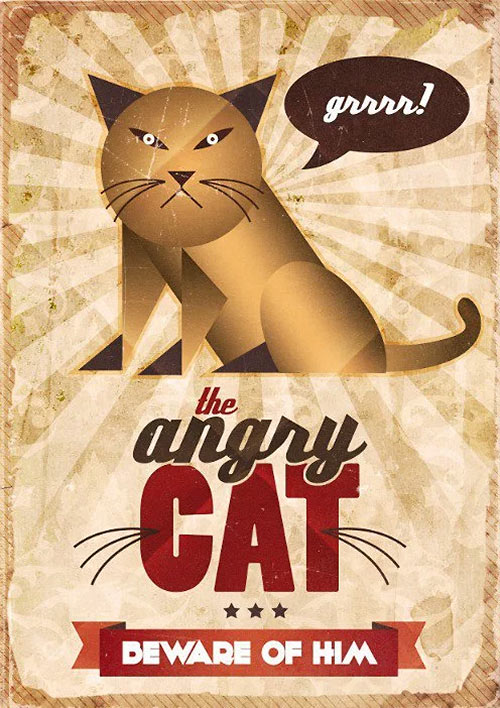
Create a Vintage Poster in Photoshop
Create a vintage style poster with Photoshop’s drawing tools and composition techniques.
Dreamy Vintage Photoshop Tutorial
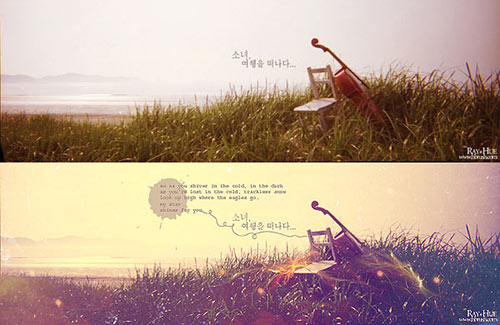
How to create an awesome dreamy vintage picture, using some simple techniques in Photoshop.
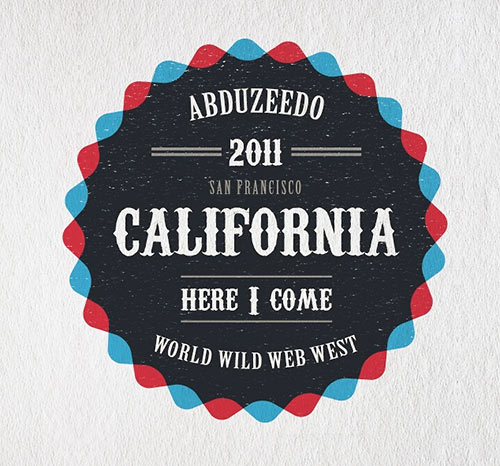
Vintage Badge in Illustrator and Photoshop
Design a retro look badge using Illustrator and Photoshop.
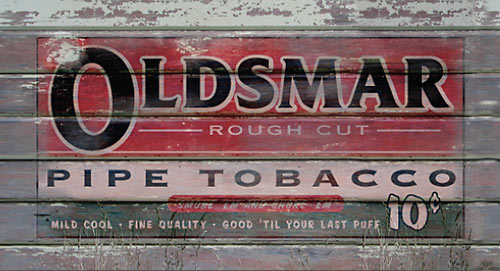
Photoshop How-To: Make a New Image Look Old
How to take a clean vector image, place it onto an old weather-beaten surface, and make it appear as if it had been there for years.
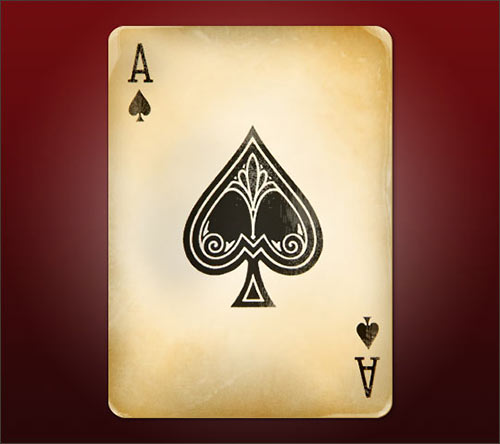
Create an aged ace of spades using multiple layers with various blend modes and a nice overlay trick.
Vintage Typography Experiment in Illustrator and Photoshop
How to create a nice vintage, retro typography Poster based on an artwork.